
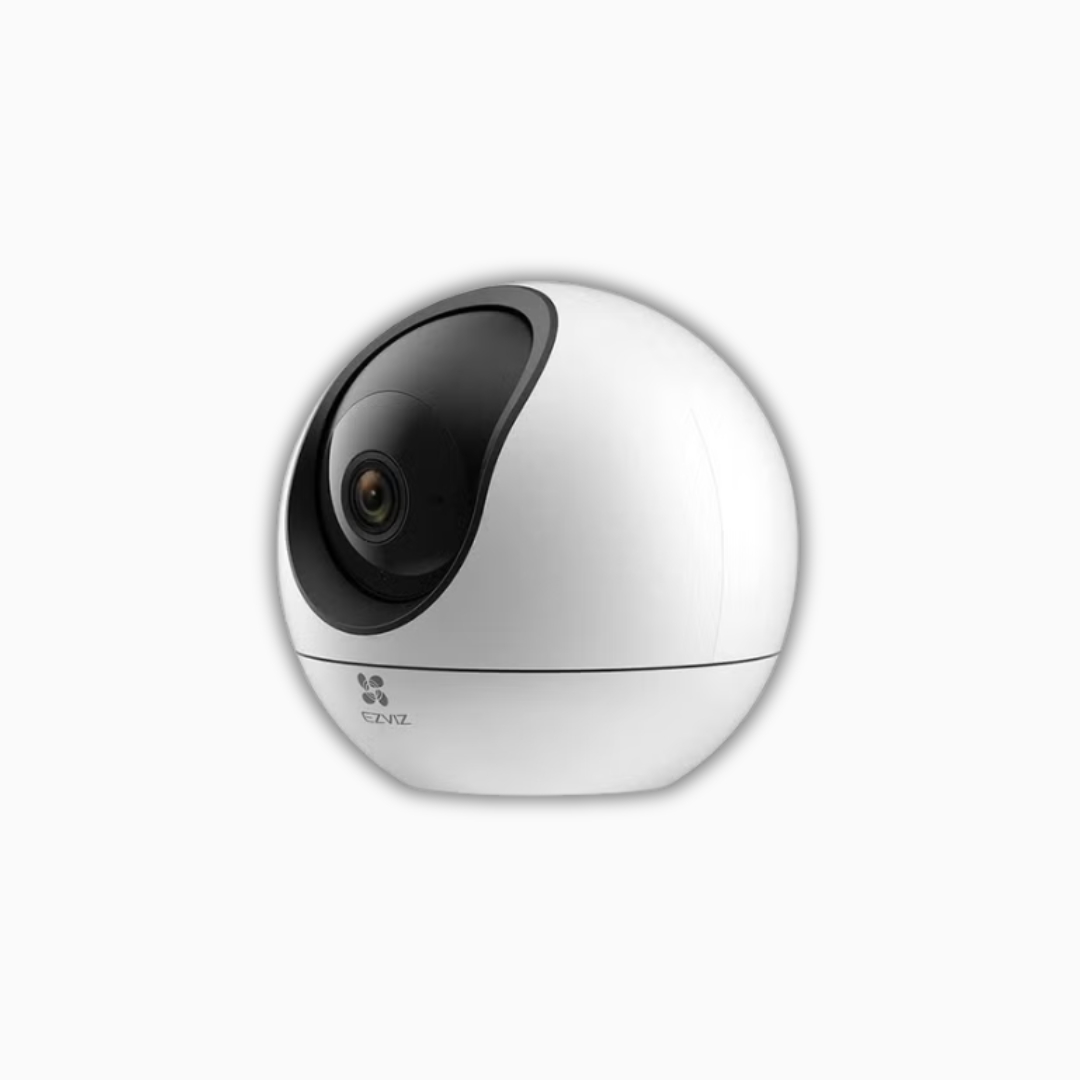
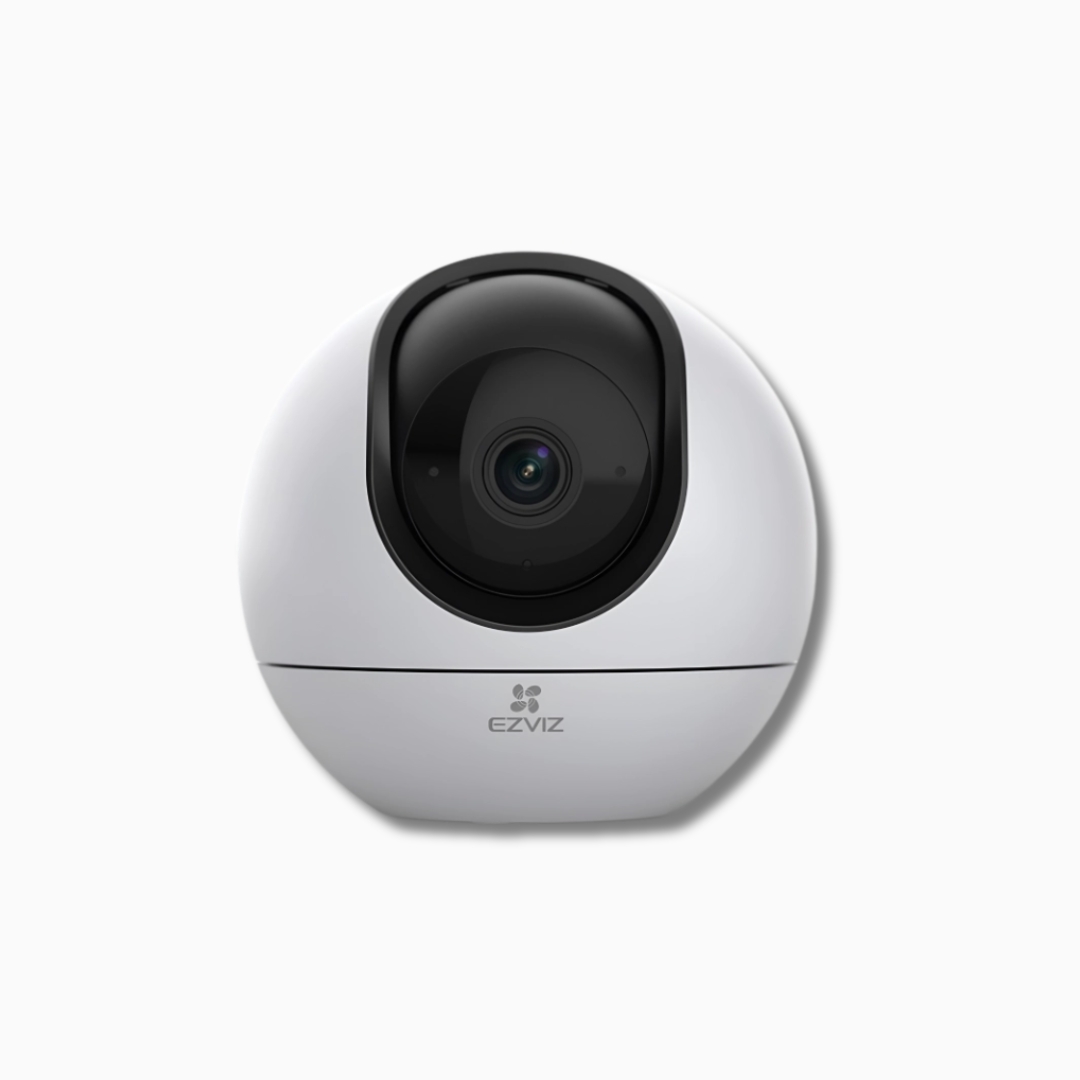
Description
Smart Wi-Fi Home Camera in Dubai: H6 for Easy Home Security
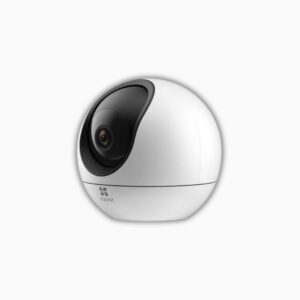
Looking for a smart Wi-Fi home camera in Dubai? The H6 connects to your home Wi-Fi so you can watch live video, receive motion alerts and check recordings from your phone, wherever you are. There is no recorder to buy and no network cable to run, which makes it a simple choice for villas, apartments, rented homes, children’s rooms, pet monitoring and small shops. We supply the H6 and can set it up for you.
What is a smart Wi-Fi home camera?
It is a camera that sends video over your wireless network to a mobile app. Smart models can detect motion or people, send alerts and let you talk through the camera. Video is usually saved to a microSD card or a cloud plan.
H6 key features
(Confirm every item against the manufacturer datasheet and delete anything that does not apply.)
- Resolution: [__ MP]
- Pan and tilt: [yes/no, range __°]
- Smart detection: [motion, human, sound, if supported]
- Night vision: [IR / colour, range __ m]
- Two-way audio: [yes/no]
- Wi-Fi: [2.4 GHz / dual band]
- Storage: [microSD up to __ GB / cloud plan]
- Power: [USB / DC adapter / battery]
- Indoor or outdoor rating: [IP__]
- Voice assistant support: [if any]
- Warranty: [__ years]
Why choose a smart Wi-Fi home camera in Dubai?
- Quick setup: connect to Wi-Fi and the app in minutes.
- Live view anywhere: check your home from your phone.
- Smart alerts: get notified when something moves.
- No recorder needed: simple and low cost.
- Flexible placement: put it on a shelf, table or wall within Wi-Fi range.
Where it is used
- Living rooms, hallways and entrances
- Children’s rooms and nurseries
- Elderly care at home
- Pet monitoring
- Rented apartments and villas
- Small shops and home offices
H6, H6C or H3C: which should you choose?
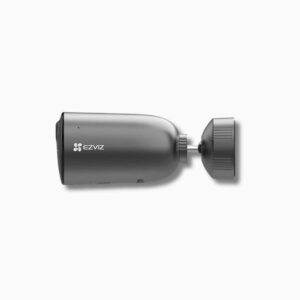
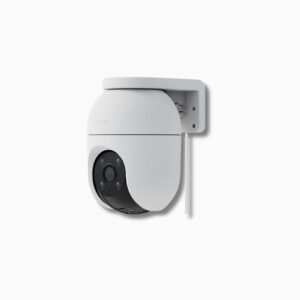
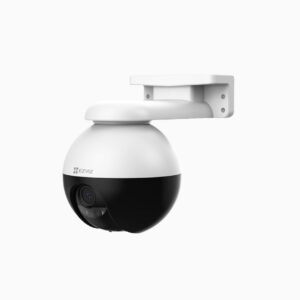
Compare the H6 with our H6C (pan and tilt) and H3C Wi-Fi smart home camera pages, and our C6 2K camera page. Choose based on resolution, movement and placement. For larger properties or 24/7 recording, a wired system with an NVR is more reliable. (Link to those pages.)
Tips for best performance
- Place the camera within good Wi-Fi range of your router.
- Use a high-endurance microSD card for continuous recording.
- Change the default password and enable two-step verification in the app.
- Point cameras at your own property only, and respect other people’s privacy.
Supply and setup in Dubai
- Product supply and quotations
- Mounting and positioning advice
- Wi-Fi and mobile app setup
- Testing and handover
- After-sales support
Get a quote
Need a smart Wi-Fi home camera in Dubai? Contact us for pricing, stock availability and setup. (Link “Contact us” to your contact page.)
FAQs
Does the H6 need an NVR?
No. It stores video on a microSD card or in the cloud and sends it to your phone.
Does it need Wi-Fi?
Yes. It connects to your Wi-Fi network to send video and alerts to your phone.
Can I use it outdoors?
Only if its weather rating allows it. Confirm the IP rating on the datasheet.
Can I talk through the camera?
Only if the model has two-way audio. Confirm this on the datasheet.